
How to Make Your First Free AI Pet Video on WandFX
See who qualifies for the WandFX pet video trial and how to use 15 welcome credits for one 4-second MiniMax H3 Lite clip.
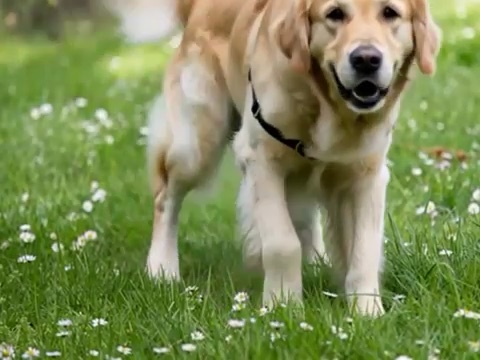
When the WandFX signup trial is available, eligible new users with a verified email receive 15 welcome trial credits. That covers one 4-second, 768p video in Quick Preview with MiniMax H3 Lite. The credits expire seven days after they are issued.
Check your trial balance
Sign in with Google using a verified email. A new account must be created on or after the signup trial’s start time to qualify. Open a pet video tool and check the trial balance. Look for the 15 trial credits before generating. Browse the pet video effects
Pick Quick Preview and create the video
Upload a photo of one cat or dog and choose Pet Dance, Pet Moonwalk, or Pet Groove. Select Quick Preview and check that the cost shows 15 trial credits. Confirm permission to use the photo and accept the on-screen terms before generating. When the clip is ready, you can preview and download it.
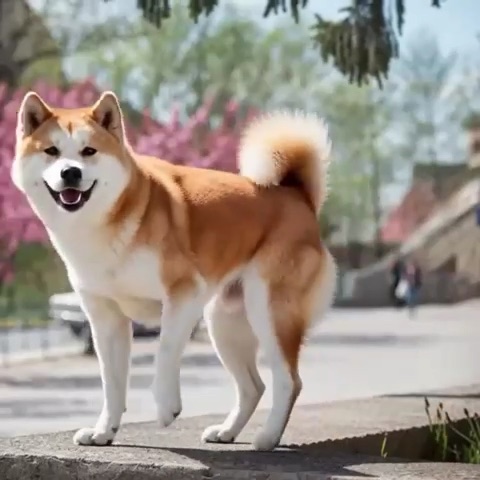
A frame from a generated Pet Groove sample. The movement and pose will vary with your photo and the generation.
If the daily slots are full
Free generations have a site-wide daily limit that resets at 00:00 UTC. If the tool says the daily limit has been reached, try after the reset while your trial credits are valid. A confirmed failed generation returns the credits to your balance. If a submission is under review, check My creations for its status.
If you choose a five-second video, Standard costs 27 regular credits and High Quality costs 35 regular credits. For the free trial, use Quick Preview and check the credit label before submitting.